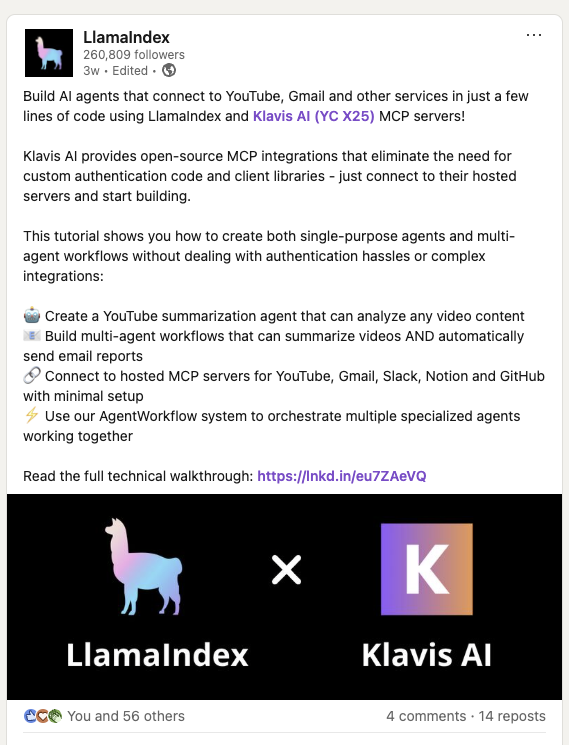
LlamaIndex has officially showcased their integration with Klavis AI in this LinkedIn post, demonstrating how to build AI agents that connect to MCP Servers in just a few lines of code.
import os# Set environment variablesos.environ["OPENAI_API_KEY"] = "your-openai-api-key-here" # Replace with your actual OpenAI API keyos.environ["KLAVIS_API_KEY"] = "your-klavis-api-key-here" # Replace with your actual Klavis API key
Step 1 - Create Strata MCP Server with Gmail and Slack
from klavis import Klavisfrom klavis.types import McpServerName, ToolFormatimport webbrowserklavis_client = Klavis(api_key=os.getenv("KLAVIS_API_KEY"))response = klavis_client.mcp_server.create_strata_server( servers=[McpServerName.GMAIL, McpServerName.SLACK], user_id="1234")# Handle OAuth authorization for each servicesif response.oauth_urls: for server_name, oauth_url in response.oauth_urls.items(): webbrowser.open(oauth_url) print(f"Or please open this URL to complete {server_name} OAuth authorization: {oauth_url}")
OAuth Authorization Required: The code above will open browser windows for each service. Click through the OAuth flow to authorize access to your accounts.
result = await llamaindex_with_mcp_server( mcp_server_url=response.strata_server_url, user_query="Check my latest 5 emails and summarize them in a Slack message to #general")print(f"\nFinal Response: {result}")
Perfect! You’ve integrated LLamaIndex with Strata MCP servers.